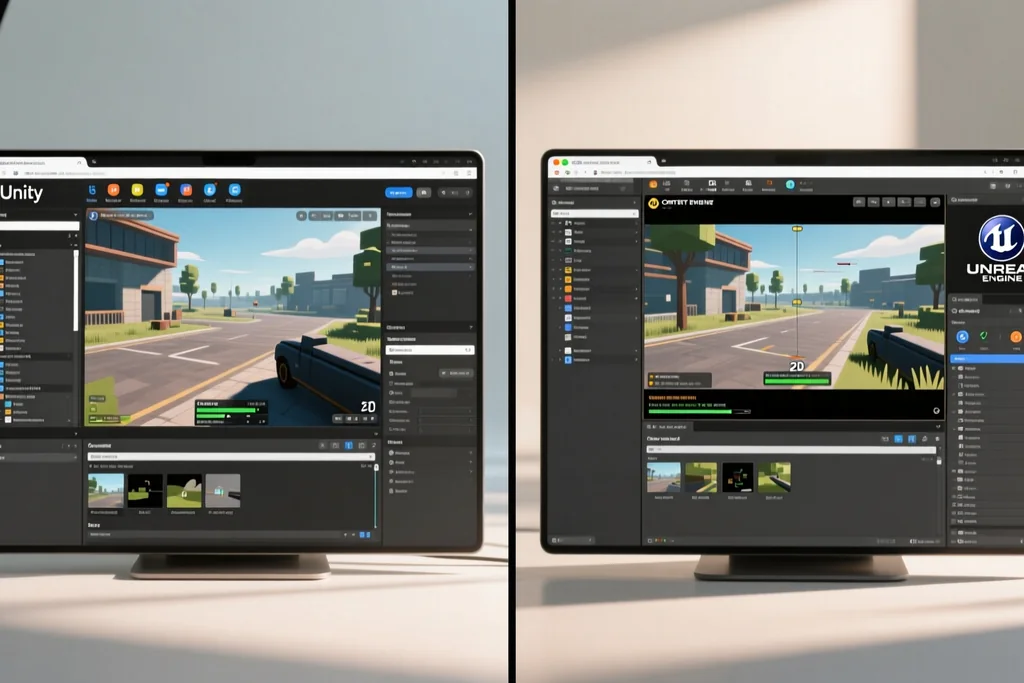
A solo developer is not a small studio. One person writes the code, makes the art, tests the build and answers the store messages, so time lost to a tool is time taken from the game.
The engine that suits one person is rarely the one with the longest feature list. It is the one that keeps the loop short: change something, run it, look at it, decide.

What actually decides the choice
Feature lists are written for teams. Two people can split rendering from gameplay; one cannot, so breadth stops being an advantage as soon as nobody has time to learn it.
The real criteria are narrower. How quickly the editor opens a scene, how much can be built without boilerplate, and how painful the last step is when the project leaves the editor.
Answer those questions honestly and most options remove themselves. What survives is usually a shortlist of two, and the decision turns practical rather than emotional.
Speed of iteration beats raw power
A solo project lives on how many changes can be tried in an afternoon. If rebuilding takes longer than the change itself, the developer stops experimenting.
Look for live reloading, a scene that plays straight from the editor and a build that only recompiles what changed. Those details never appear on a comparison chart.
Performance still matters, but it can be fixed late. Iteration speed cannot, because by the time it hurts, the habits of the project are already set.
Prototype inside the engine rather than in a document. A rough build answers questions about feel that no design note can, and it answers them in an afternoon.
The asset pipeline is where projects stall
Art is the part most solo developers underestimate. A tool that imports a sprite sheet in one step saves days over one that expects every frame as a separate file.
Animation tools matter just as much. Editing a walk cycle inside the engine removes a round trip through an external editor, and round trips are what break momentum.
Check sound and fonts as well. Small gaps in import support turn into custom scripts, and custom scripts are exactly the work the developer hoped to avoid.
Export limits decide which ideas are possible
The friendliest editor still fails at the very end if it cannot build for the platform the game needs, and that discovery is expensive late in a project.
Read the export options before starting, not after the demo is finished. Discovering that a target needs a paid tier or a separate toolchain is a problem no design can solve.
Licensing belongs in the same check. A revenue threshold or a subscription that arrives later can change the plan for a project that is already half built.
Write the target platform into the project notes and check it again at every milestone. Requirements move, and an early check costs nothing.
Documentation and community carry the project
Every engine has gaps, and the difference is what happens when a solo developer hits one at midnight. Clear documentation turns a two-day blocker into a short question.
Age is not the same as quality of help. A young engine with careful examples can beat an older one whose answers are scattered across abandoned threads.
Check how current the documentation is before committing. Guides written for an earlier version cost more time than having no guide at all.
One language, understood deeply
Working across several languages inside a single project is normal in a studio and exhausting alone. Keeping gameplay, tools and shaders in one place removes context switching.
Visual scripting changes this calculation. It lowers the entry point, but the developer still has to reason about the code underneath when something behaves unexpectedly.
Pick the approach that can be maintained for years. Late in a project the author is the only person left who understands the structure, and a tool that hides too much becomes a liability.

Engines that suit solo developers: a practical comparison
Related guide on this topic.
Test the engine with a throwaway prototype
No comparison settles the question better than a small finished project built in each candidate. A weekend prototype exposes friction that marketing pages never mention.
| Criterion | What to look at | Why it matters alone |
|---|---|---|
| Iteration loop | A scene that runs from the editor | Changes get tried instead of postponed |
| Asset import | Slicing, animation, audio | Fewer custom scripts to maintain |
| Export targets | Platforms and tiers listed early | Ideas stay possible |
| Help quality | Current docs, active forum | Blockers measured in hours |
| Language | One stack for game and tools | Less context switching |
Build the same tiny mechanic in both options, then note how long each took and how often the editor got in the way. The timings are less interesting than the feeling of the session.
Comfort matters because a solo developer will spend a long time inside that editor. Choose the tool that makes an ordinary afternoon productive rather than impressive in a video.
- Prototype the same small mechanic in each candidate engine.
- Measure the edit-and-test loop, not the feature list.
- Check export targets and licence tiers before the first milestone.
- Read the current documentation, not a guide from an earlier release.
- Choose the tool that makes a normal working day productive.
A solo developer does not need the engine that wins comparisons. They need the one that survives contact with a real project and a limited number of hours.
Deciding on the loop, the pipeline and the exit is enough. Everything else can be learned later, when the game itself is the reason to keep opening the editor.