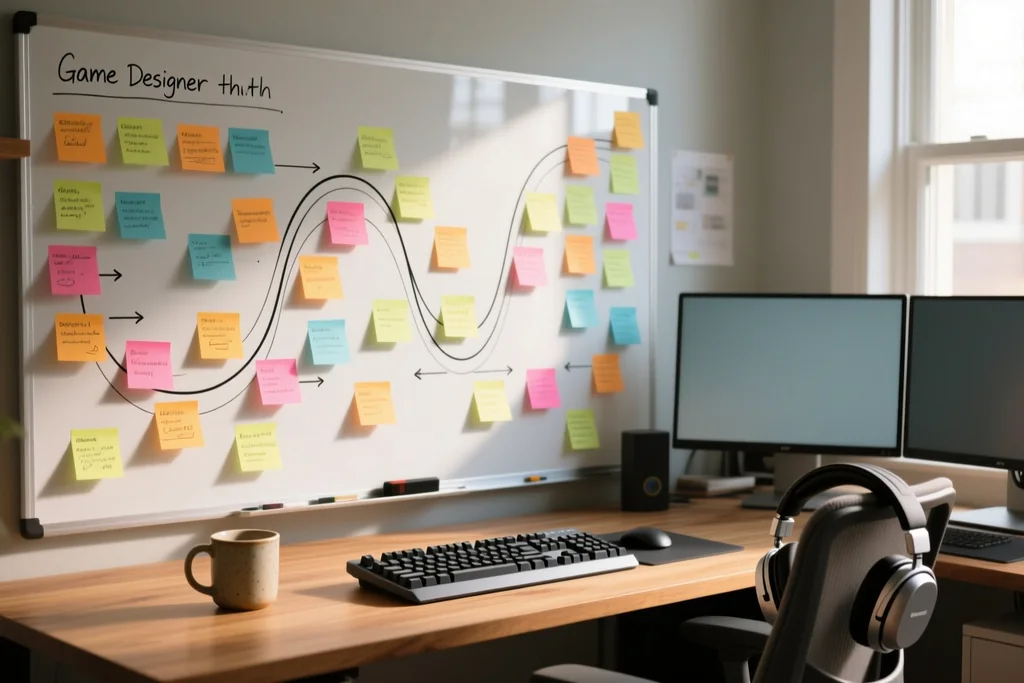
Two games can share the same rules and feel completely different to hold. Movement speed, jump shape and response time decide whether the player trusts the controls.
Feel is not a layer added at the end. It is built through tuning, and the tuning only becomes meaningful once the mechanic runs at all.

Response comes before realism
Players forgive unrealistic physics and never forgive delay. The character should react on the moment the button is pressed, before any animation begins.
Animation can be sequenced around the input rather than in front of it. A long wind-up that blocks control feels like lag even when it looks correct.
Test with the sound off. Without audio covering for it, delayed or inconsistent response becomes obvious within a minute of play.
Keep one fixed test room with a single obstacle. Judging response is far easier when every session compares the same short scenario.
Timing windows and fairness
Jump height, hit windows and attack timing are all forgiveness settings. A generous window feels good; a tight one feels precise to some and broken to others.
Grace periods are the classic example: a short allowance after leaving a ledge where a jump still works. Players never notice it, and they never miss it.
Bias the window in the player's favour. Asymmetry between what the game demands and what it grants is what fairness feels like in practice.
Expose the timing windows in a debug view while tuning. A value that is invisible becomes arguable the moment it can be seen.
Acceleration gives weight
Instant maximum speed feels arcade; gradual acceleration feels physical. Neither is better, and the choice defines the whole tone of movement.
Friction and deceleration matter as much as the acceleration curve. A character that halts the instant a direction is released feels weightless and cheap.
Tune the two together. Adjusting acceleration without touching friction produces a character that is either slippery or stubbornly stuck.
Match the numbers to the genre. A platformer wants a short ramp and a racing game wants a long one, and both are correct in their place.
Feedback confirms every action
Sound, a small visual effect and a brief pause on impact: feedback is how the game tells the player that the input registered at all.
Layer the channels instead of trusting one. An impact reads best when animation, sound and camera agree at the same moment.
Keep the strongest feedback for the strongest actions. If everything flashes and shakes, nothing stands out and the screen becomes noise.
Scale the feedback to the size of the event. A small step and a heavy impact should not use the same effect and the same sound.
Camera and framing
The camera is part of the controls. A view that lags slightly behind the character feels smooth; one that follows too tightly makes every step shaky.
Look-ahead and clamping keep the important part of the level visible. Space lost behind walls makes a responsive game feel clumsy to move through.
Test the camera in the tightest corner of the level, not the open one. Feel is judged where the space runs out.
Give the player control where possible. A small manual offset resolves most of the framing arguments an automatic camera creates.
Tune by playing, not by reading
Values that look reasonable in a table often play badly. The only reliable method is to change one value, play, and judge the result.
Work in short sessions and stop when judgement dulls. Fatigue flattens perception and leads to adjusting the same value back and forth.
Record the values that worked. Rebuilding a good feel from memory is possible, and it costs a day that written notes would have saved.
Let another person play before locking the values. A response that feels immediate to the author can feel sluggish to everybody else.
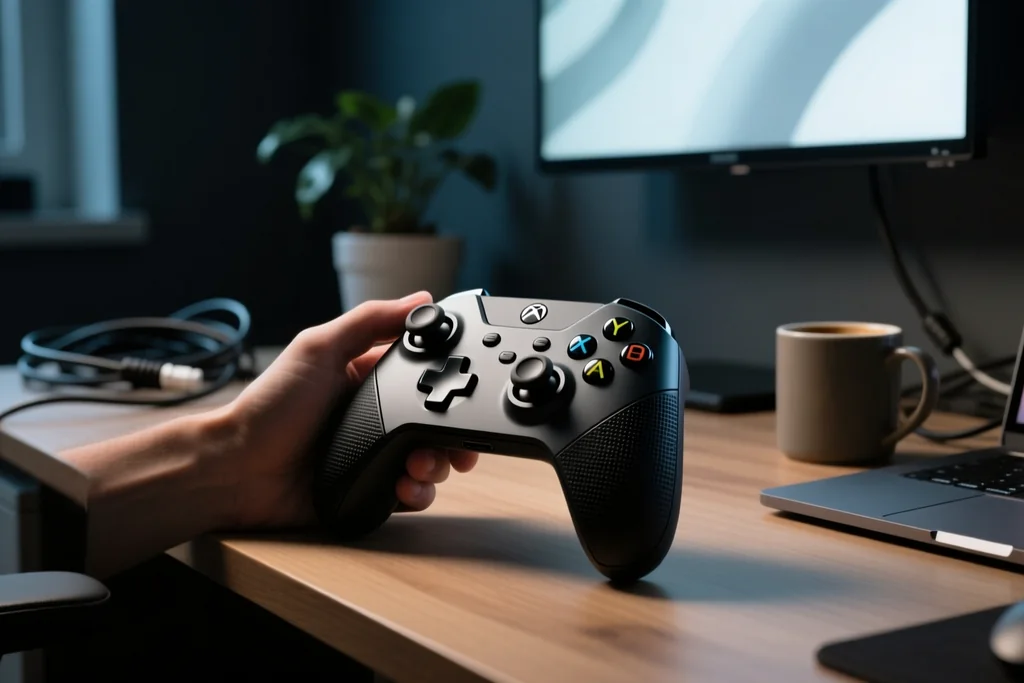
Feel and control: why the same mechanics play differently
Related guide on this topic.
Consistency across the whole game
Feel is a promise the whole game keeps. If one enemy ignores the reaction the player learned, hours of built-up trust break in a moment.
| Element | What it controls | Starting instinct |
|---|---|---|
| Input response | Trust in the controls | React before animation plays |
| Timing window | Perceived fairness | Bias toward the player |
| Acceleration | Weight of movement | Pair it with friction |
| Feedback layers | Confirmation of action | Use several channels together |
| Camera | Readability of space | Lag slightly, look ahead |
Apply the same timing rules everywhere. Special cases are usually a sign that the base values, rather than the exception, needed the adjustment.
Do one final pass with fresh eyes. Systems tuned months apart drift, and small inconsistencies only become visible when played in sequence.
Revisit the oldest systems last. That is where the tuning has drifted furthest from the rules applied to everything built since.
- Make the character react before the animation plays.
- Widen timing windows until they feel generous.
- Tune acceleration and friction as a single pair.
- Confirm every action with more than one feedback channel.
- Test the camera where the level is tightest.
Feel comes from hundreds of small decisions that individually look invisible and together decide whether the game is pleasant to hold for an hour.
The work is repetitive and it is the part players never mention. They simply say the game controls well, which is the only review that matters here.